Wellness
The Wellness tab pulls together the quieter, mind-and-mood side of Health — a weekly summary, your daily check-in, reflection and journaling, meditation and focus timers, supplements, and connection.
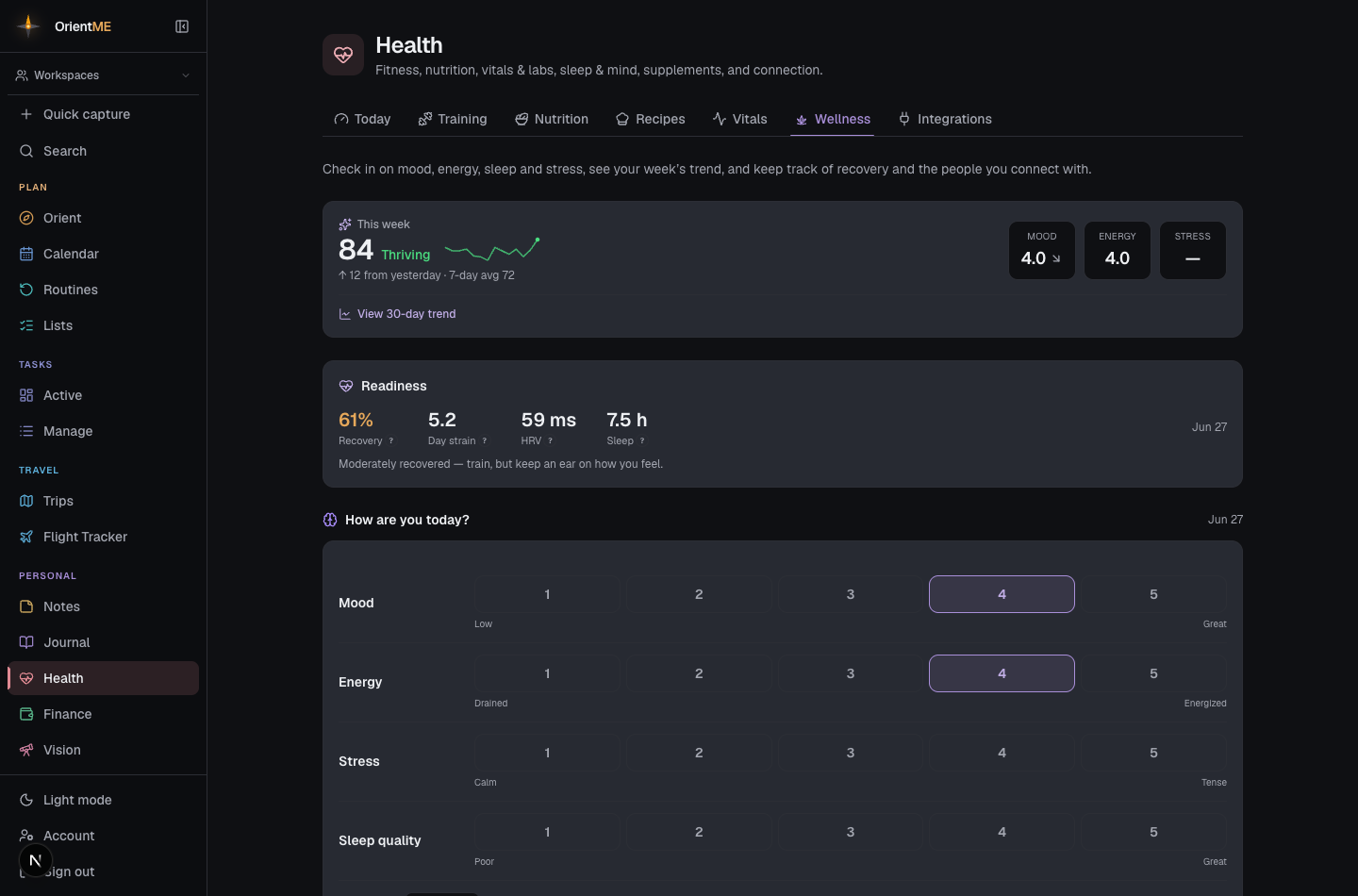
The tab opens with a This week summary: your overall wellness score with a 14-day sparkline, how it compares to yesterday, and your 7-day average — alongside Mood, Energy, and Stress chips, each showing its 7-day average with a gentle up or down arrow. Tap View 30-day trend to reveal a mood / energy / stress chart.
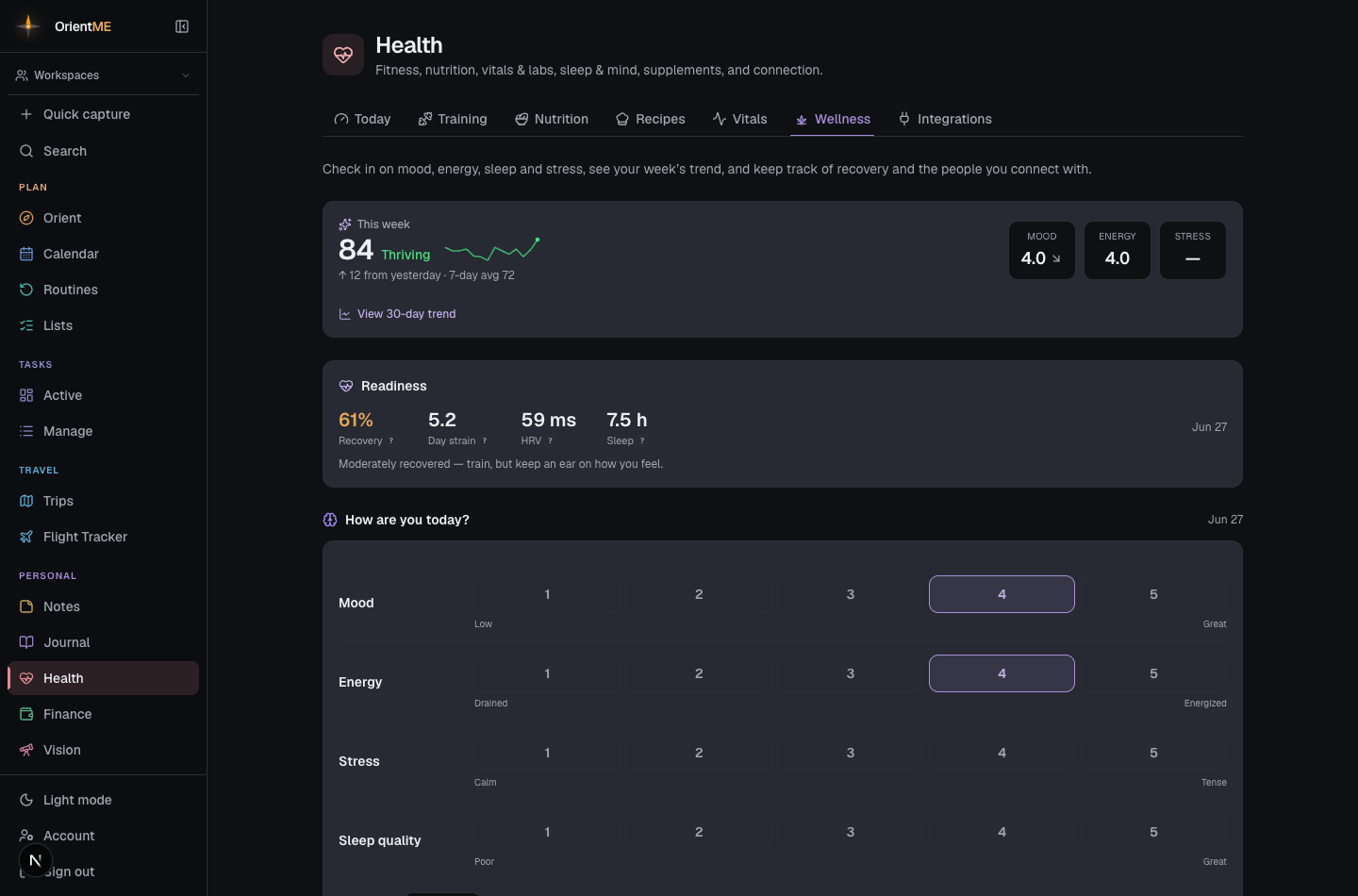
Below the summary:
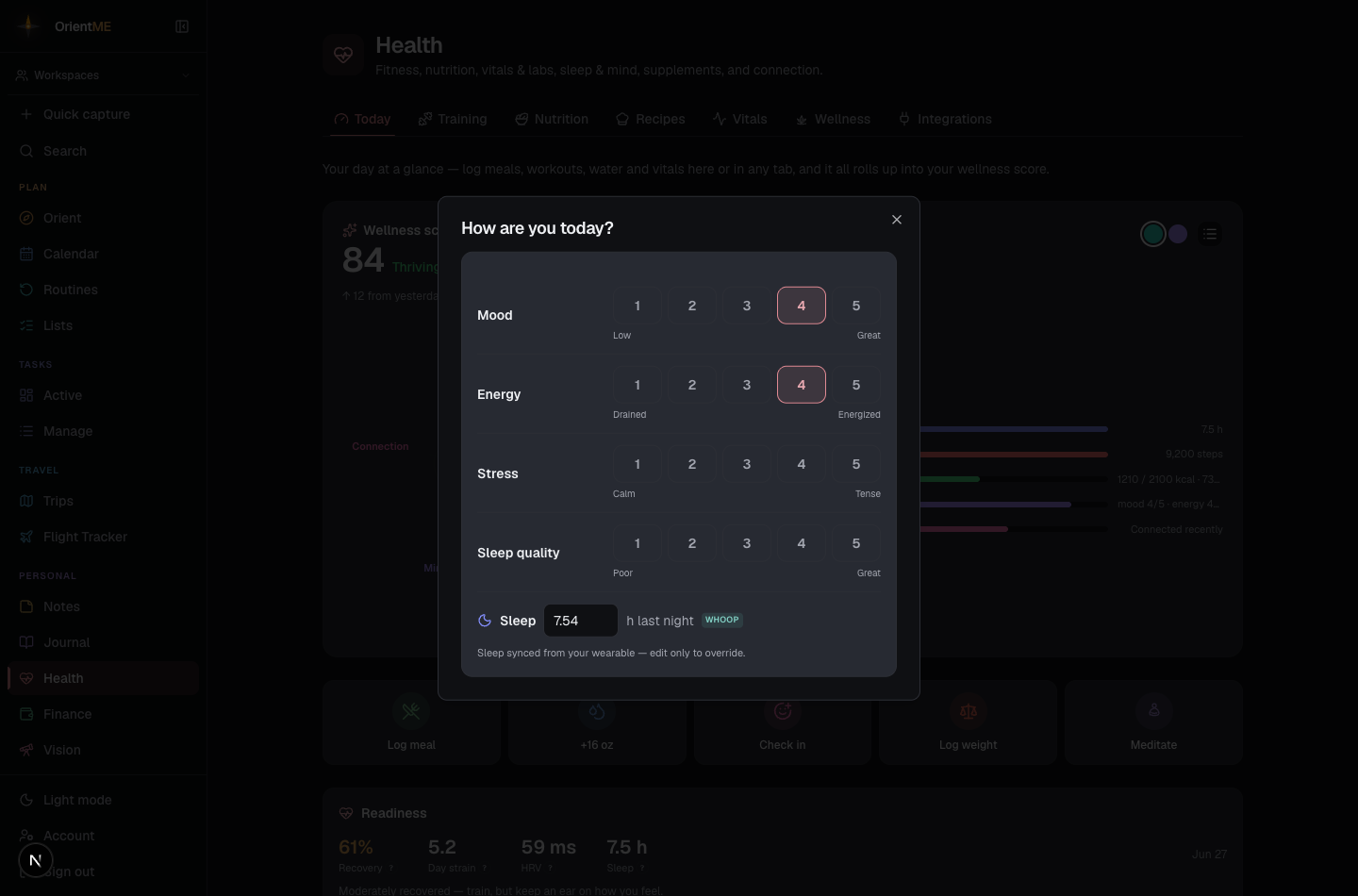
- Daily check-in — one card with quick rating rows for mood, energy, stress, and sleep quality, plus a compact sleep hours field. These feed your wellness score. Your check-in saves automatically as you tap — a brief Saved appears with each change, so there’s nothing to submit.
-
Reflection & journaling — a single card that brings together your gratitude notes and journaling, with a calm note of your journaling consistency (“you journaled 12 of the last 14 days”), never a streak you can break.
-
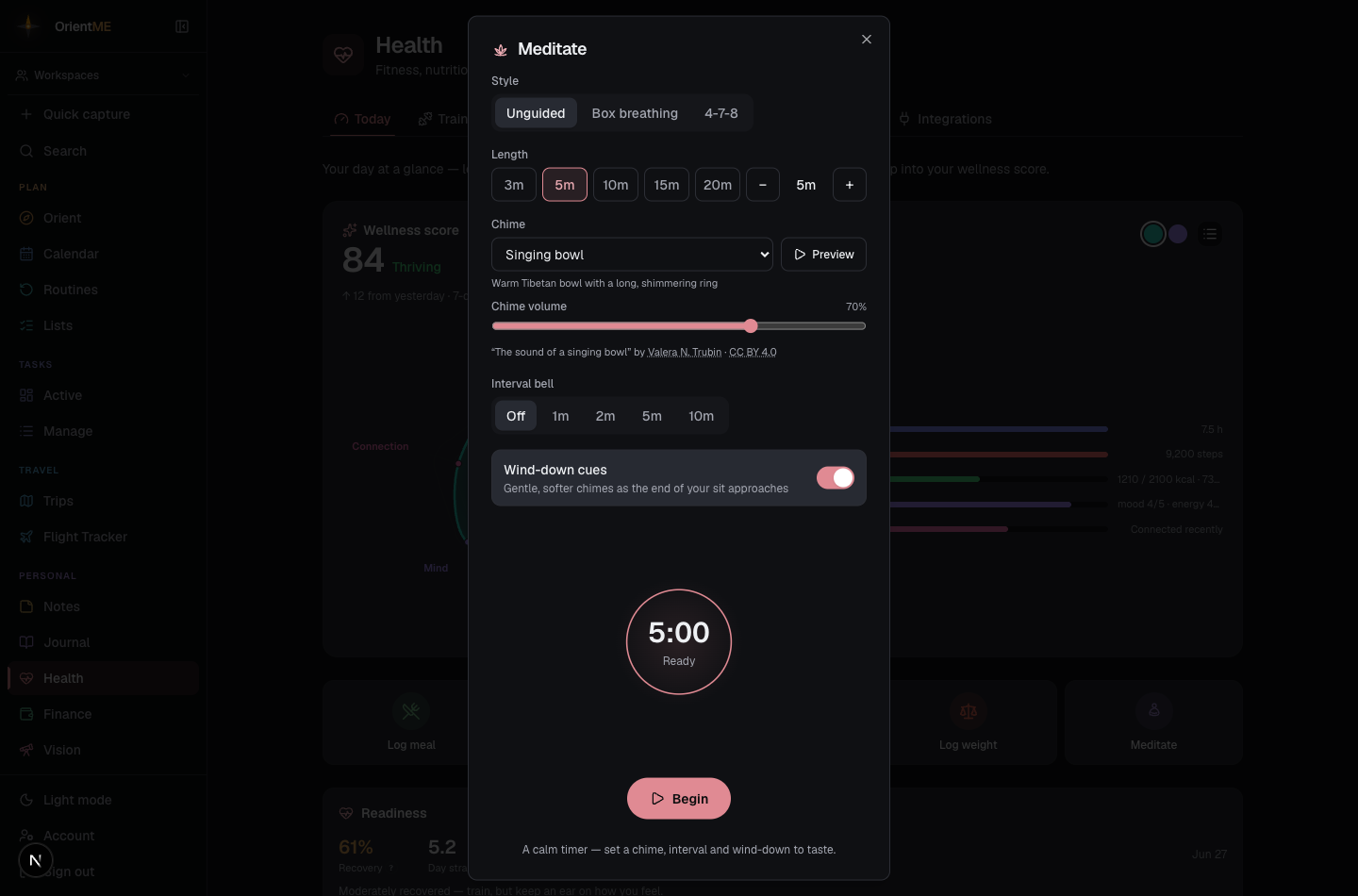
Meditate — a built-in timer with an unguided mode and box and 4-7-8 (inhale 4, hold 7, exhale 8) breathing patterns. Follow the circle as it expands and contracts, and make the sound your own:
- Choose a chime — pick a calm sound (singing bowl, soft gong, bell, or a soft chime) and tap Preview to hear it before you start, then set its volume. The same chime gently marks the start and end of every sit.
- Interval bell — let a soft chime sound every 1, 2, 5, or 10 minutes, or turn it off completely (no more startling beep).
- Wind-down cues — switch these on for quieter, gentler chimes as the end approaches (around two minutes and thirty seconds left), so the finish never jolts you.
- Length — choose a preset, or set any length with the −/+ stepper.
- Ambient sound — play an optional looping background track and set its volume with the slider, so you can actually hear it under the chimes.
Your minutes are logged when you finish, and the timer remembers all of these choices for next time. When a track has a credit, the artist and licence appear just under the sound picker.
- Focus session — a Pomodoro-style work timer: choose focus and break lengths, and OrientME tracks your focused minutes and reminds you to step away. A soft chime marks the start of a block, a gentle "10 minutes left" cue sounds partway through, and a chime marks the end — so you can work heads-down without watching the clock.
- Supplements & medications — add what you take and on what schedule (daily, weekly, or monthly). Anything due today shows a checkbox, and OrientME keeps a quiet record of how consistent you’ve been.
- Connection — a lightweight log of who you spend time with. It sits in its own collapsed section at the bottom of the tab; expand it when you want to add or review it.
Some ambient sounds are OrientME's own original music; others are real music used under open licences. Any track that requires credit shows its artist and licence under Account → Music & credits.