Vision board

The Vision board is an open canvas for what you’re working toward — images that inspire you, words that matter, and goal cards you can actually check off. It’s deliberately freeform: arrange everything however feels right. You’ll find it under Personal → Vision.
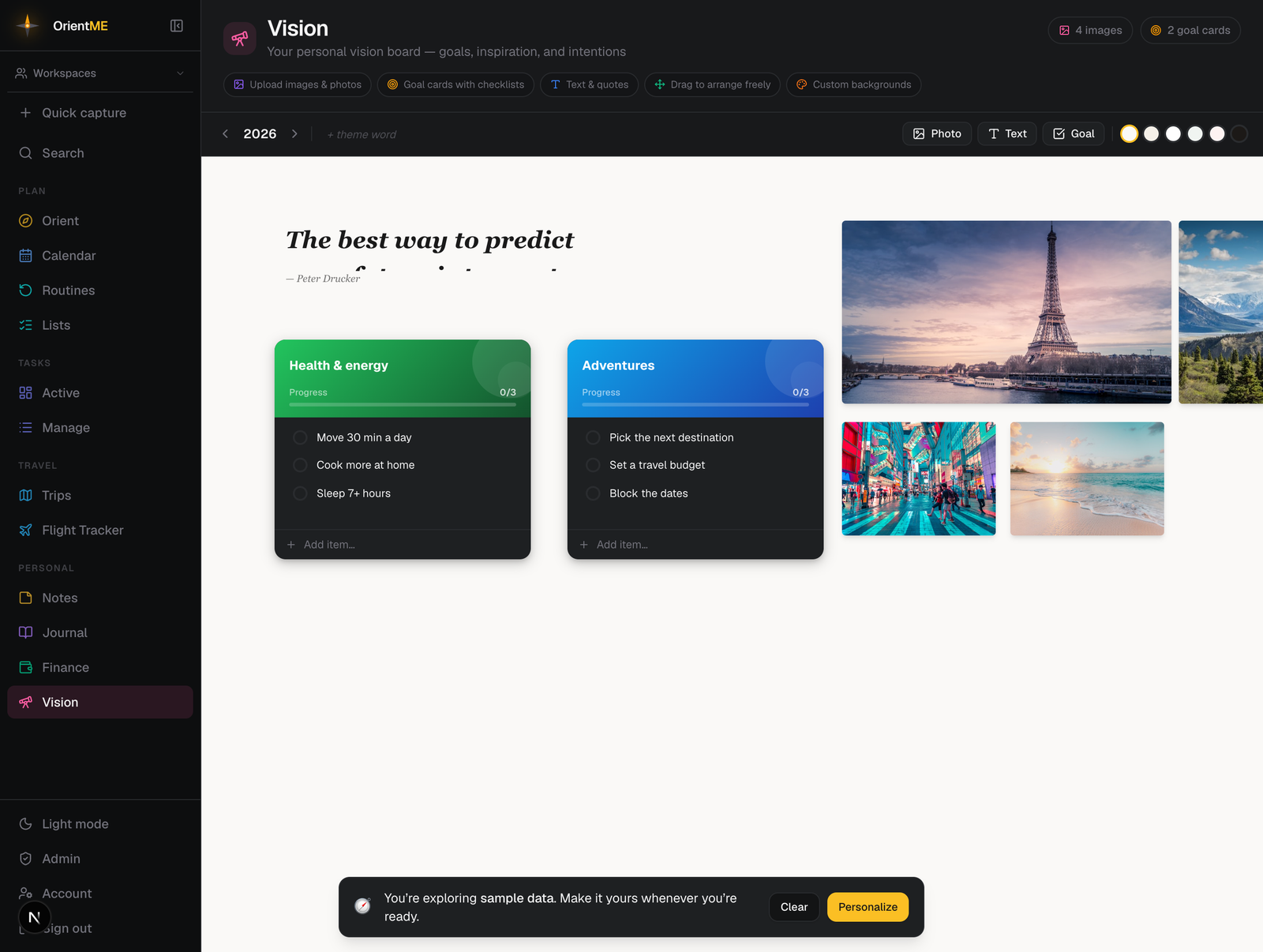
Add to the board
The toolbar across the top has three add buttons on the right:
- Photo — upload an image from your device.
- Text — drop in a word, quote, or affirmation.
- Goal — add a goal card with a checklist (see below).
New items land in the middle of whatever part of the canvas you’re looking at, ready to drag into place.
On the left of the toolbar you’ll find the year selector (use the arrows to step between years — each year is its own board) and a word of the year: click + theme word and type a word that sets the tone for the year. It shows as a chip in the section header. Set a background for the board from the row of preset swatches at the right end of the toolbar. The header also keeps a running count of your images and goal cards.
Your text and goal items show up in Search (Cmd/Ctrl+K) — search a word from a quote or a goal and the result takes you to the board.
Arrange anything
Click an item to select it. A small control bar appears just above (or below) it, and corner handles appear around it. From there you can:
- drag it to move — grab the grip handle in the control bar and drag,
- pull any corner handle to resize,
- rotate text and goal cards — drag the rotate handle in the control bar,
- layer front-to-back with the send to back and bring to front buttons, and
- delete with the red ✕ in the corner (or the Delete key — you’ll be asked to confirm).
Double-click a text item to edit it. While a text item is selected, a style toolbar lets you change font (Sans, Serif, Mono), size, bold and italic, alignment, and color (pick a preset or open the color picker for any custom shade), add an emoji, and add an attribution to credit a quote. A second appearance row lets you add a text shadow, a drop shadow (depth), a fill color with adjustable opacity, and a border with adjustable corner radius — for a more designed look.
Goal cards
A goal card turns inspiration into action. Type a title, add checklist items in the field at the bottom of the card, and tick them off — a progress bar fills as you go and switches to a 🎉 Complete! state when every item is done. While a goal card is selected, its appearance row lets you pick a header theme (a colored gradient banner), set the card’s fill and border, and adjust its depth, so each goal can have its own look.
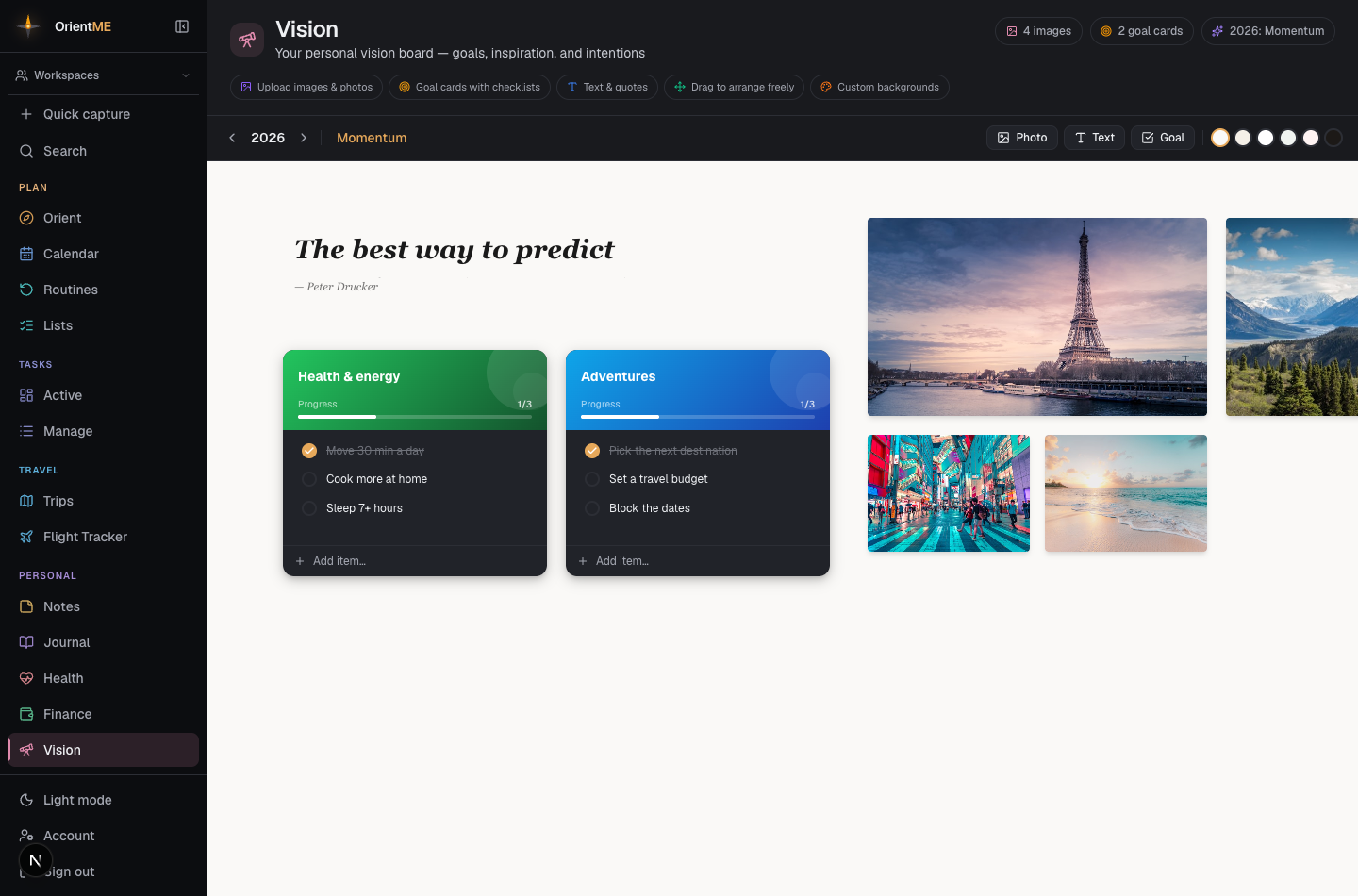
Everything on the board saves automatically as you add, move, resize, and edit.
On the mobile app, open Vision Board under More to view your board on the go — you can pinch to zoom and pan around the full canvas. Arranging, styling, and editing items is best done on the web.