Vitals & labs
The Vitals tab is where you record body measurements, progress photos, and lab panels — and watch each one trend over time.
Log body measurements — weight, body fat, resting heart rate, blood pressure, and more — and see the latest value plus a trend once you have a couple of readings. Add progress photos with a date and angle, and attach the image; they stay completely private.
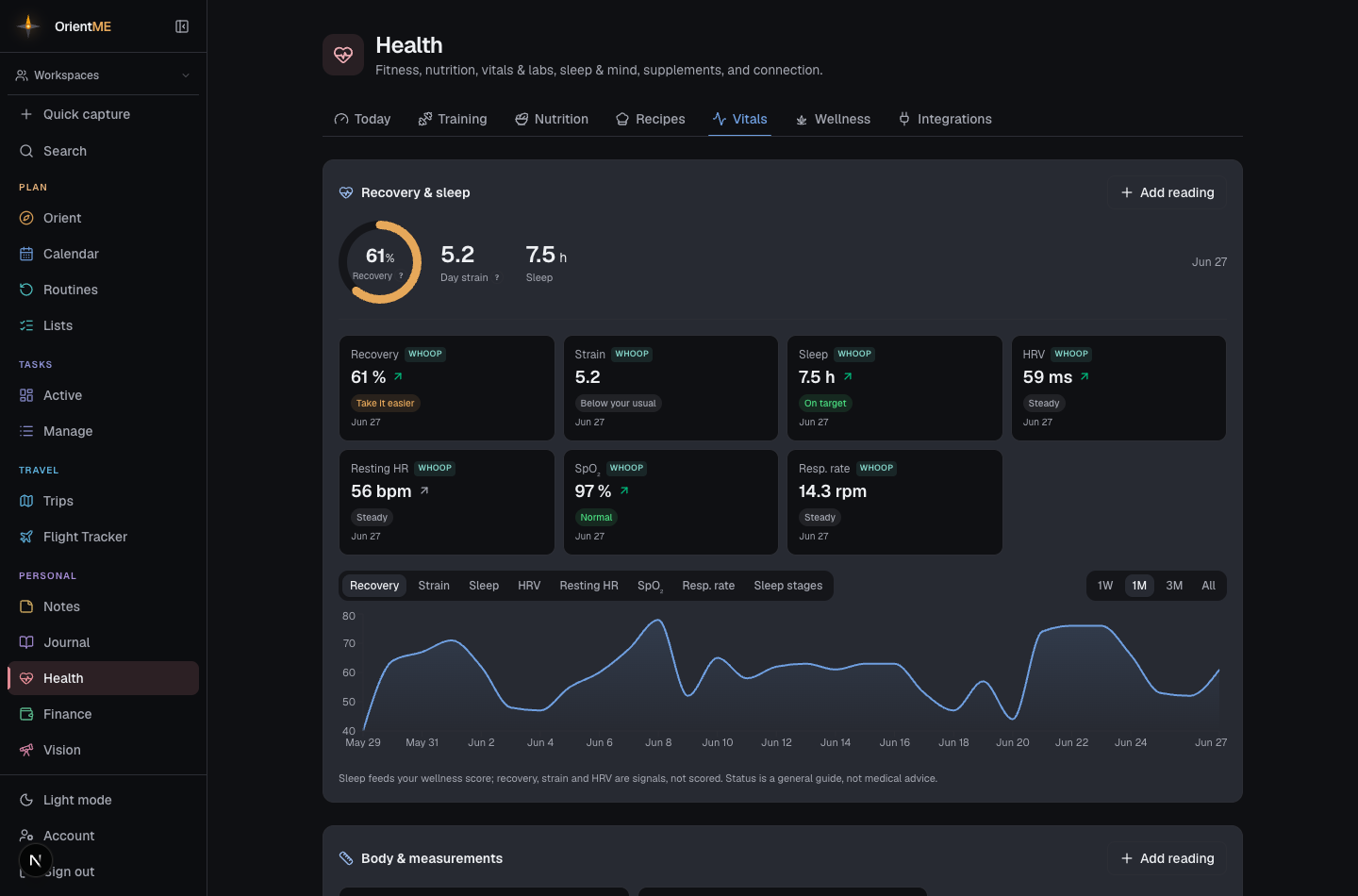
Vitals adapts to your setup. If you haven’t connected a wearable, the tab leads with Body & measurements — the things you can record yourself — and shows a gentle Connect a wearable prompt at the bottom in place of recovery and sleep, rather than asking for a recovery score you’d have no way to know. Once a wearable is connected, the Recovery & sleep panel — your recovery, day strain, and HRV — moves to the top. (For more on wearables and the Readiness card, see the Health overview.)
Record lab panels by hand, choosing biomarkers from a built-in catalog. Out-of-range values are flagged against their reference range, and any marker you measure more than once gets its own trend chart with the healthy band shaded in.
Read results automatically
Uploaded a lab PDF or a photo of your results? Open the panel, attach the document, and tap Extract with AI. OrientME reads the values into the table for you, matched to the right biomarkers — you review and edit everything before it’s saved, so you’re always in control.
Automatic extraction is optional and only runs when you tap the button. You can always enter labs by hand.